
Have you ever heard of the Chat GPT plugins? These features made a big impact, as they allowed users to interact with a chatbot that was much better optimised for their task. They became so popular that this name – ‘plugin’ – stuck in the minds of all users. The reality? From April onwards, they began to be called GPT’s, which we’ll discuss later.
Plugins or GPTs work as ChatGPT extensions which allow you to interact with a chatbot designed for a specific task. It may also be the case that a plugin adds an interesting feature to OpenAI’s artificial intelligence. For example, Link Reader enables web searches, which are essential for many professionals.
There are many, many ChatGPT plugins, but throughout this article you’ll discover the most interesting ones. Are you ready?
What are ChatGPT plugins and how do you download them?
As we already know, ChatGPT does not have up-to-date information. Although its new models, such as GPT-4o, can connect to the internet in their paid versions, this AI was trained using data up to 2021. For this reason, one of the purposes of the plugins is to add extensions for ChatGPT and that this enables them to look up up-to-date information.
What are ChatGPT plugins? Basically, a ChatGPT plugin It involves adding new features to the chatbot. As it has this limitation, many GPTs – in the travel sector, for example – are used to compare prices across different flight booking websites. In this way, they optimise this AI tool to perform a specific task. In the case of this example, that would be to search for the best flight options.
These ChatGPT plugins make the platform even more competitive. If we combine the potential of the tool created by OpenAI with that offered by the ChatGPT extensions, we have a powerful and effective chatbot.
How do you add plugins to ChatGPT?
As we have been saying, there is no longer a way to add plugins to ChatGPT because they have become obsolete. Now, we have the GPT (Generative Pre-trained Transformers) which serve the same purpose as plugins. Even so, we’ll stick to talking about plugins for the sake of clarity.
How do you install plugins in ChatGPT? It’s actually very straightforward now, as there’s an «Explore GPT» option in our sidebar. If you click on it, you’ll have access to an extensive catalogue of ChatGPT plugins, organised by sector or field. Ultimately, it’s a shop – in fact, it’s been named the GPT Store.
How do I activate ChatGPT plugins? Once you’ve found the one that best suits your goals, simply click on «start chat». The standard chat window will open, allowing you to interact with this ChatGPT extension. It might be worth pinning your GPT to the sidebar. You can do this by clicking on the plugin’s name and then selecting «Pin to sidebar».
That way, you can have your GPTs, such as ChatGPT web plugin, always to hand.
Best ChatGPT plugins (best ChatGPT plugins | ChatGPT extensions | OpenAI plugins)
At this point in the article, we need to focus on what matters: what are the best plugins for ChatGPT? At Euroinnova, we want you not only to know What are plugins? and what they involve, here are some of the most interesting options.
Install and try some of these extensions for ChatGPT. Some of them might just be the solution to one of your everyday problems.
Wolfram
Let’s start with the OpenAI plugins. What is Wolfram? Essentially, it is a GPT that allows you to perform calculations involving differential equations, carry out trend analyses or even ask questions about theoretical physics.
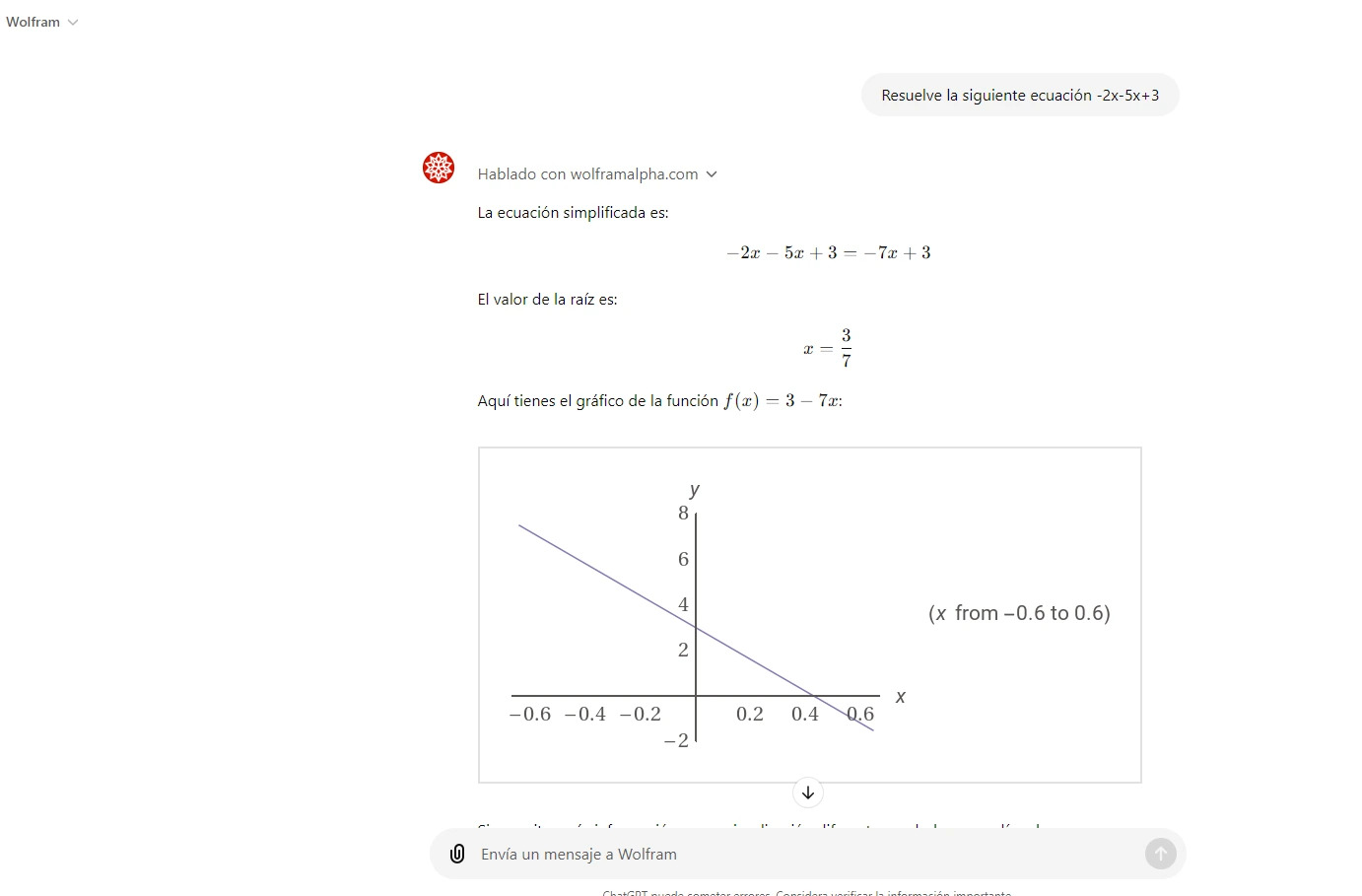
This makes this ChatGPT plugin a brilliant resource for students, researchers and professionals who need some sort of help with maths. This GPT is specifically designed to process mathematical, statistical and scientific data.
Ask your PDF / Chat with PDF
Here are two ChatGPT plugins that are very similar: Ask your PDF y ChatwithPDF. Essentially, they allow you to extract and understand information from PDF files. This means that, as users, we can interact with artificial intelligence, which will provide us with answers based on the document we have uploaded.
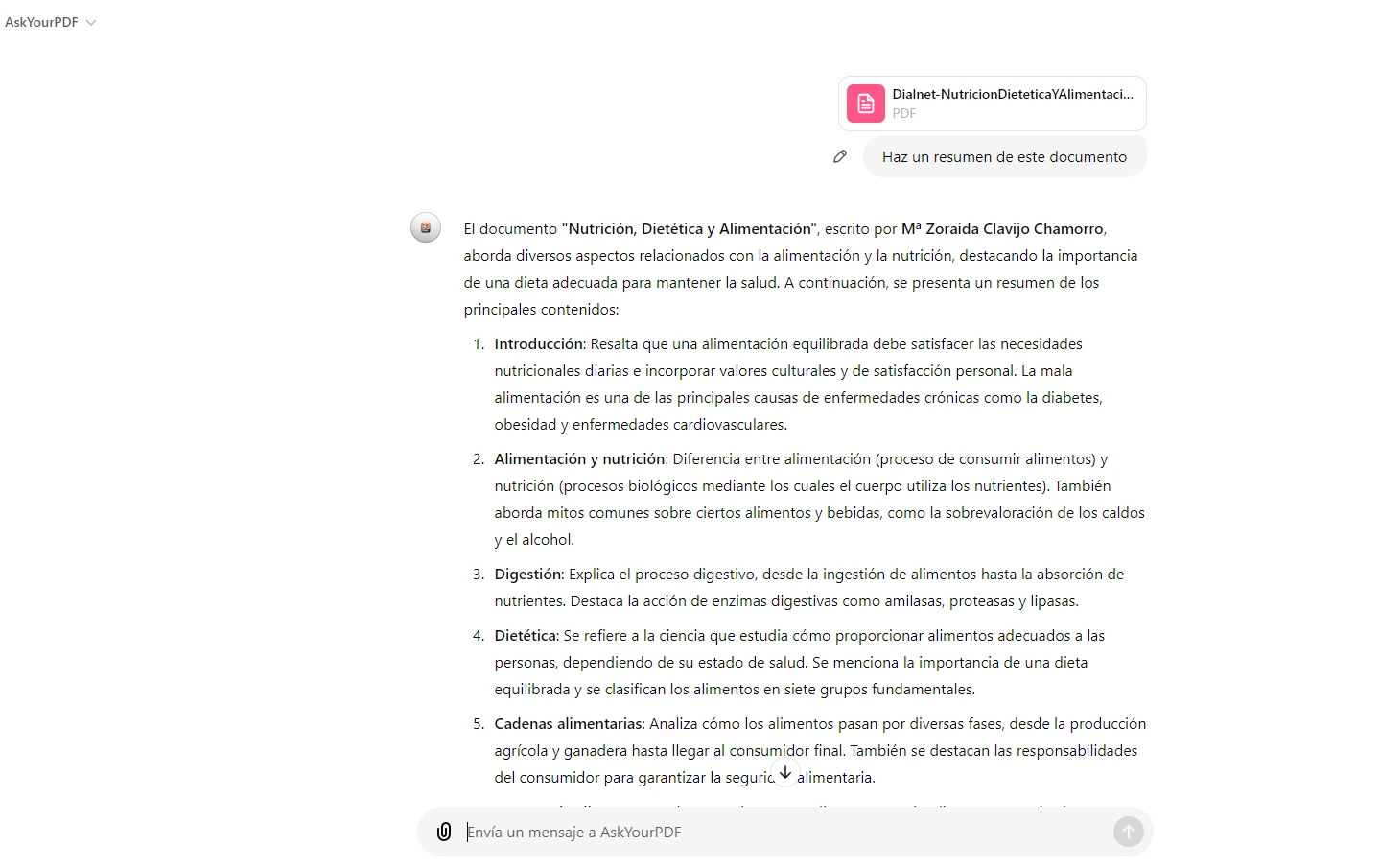
This ChatGPT extension It’s very interesting, as we sometimes come across PDF files containing a vast amount of information. Artificial intelligence can therefore help us summarise the information, create presentations or carry out research.
Link Reader
The Link Reader plugin for ChatGPT It is capable of summarising content from various online sources, such as articles, blogs or websites. The interesting thing is that even if the link is from just yesterday, the artificial intelligence will step in to process the information.
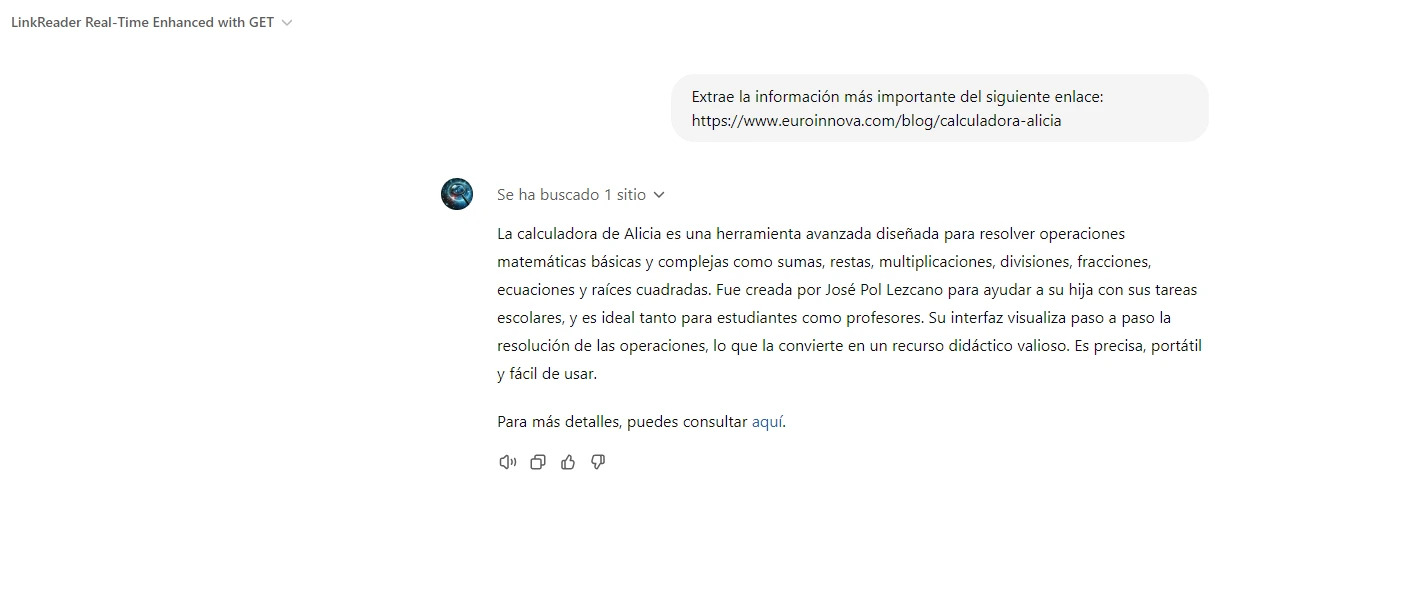
And what tasks can you ask it to carry out? You can ask it to summarise, to highlight the key points, or simply to analyse certain information. At this stage, you can provide it with a large number of links and ask it to process all the information for you. For students and professionals who need to sift through large amounts of information every day, it becomes the Chat GPT plugin Perfect.
Zapier
Do you know Zapier? If the answer is no, you should know that this is an automation tool. This ChatGPT plugin allows you to connect the platform to thousands of applications, making it easier to carry out tasks.
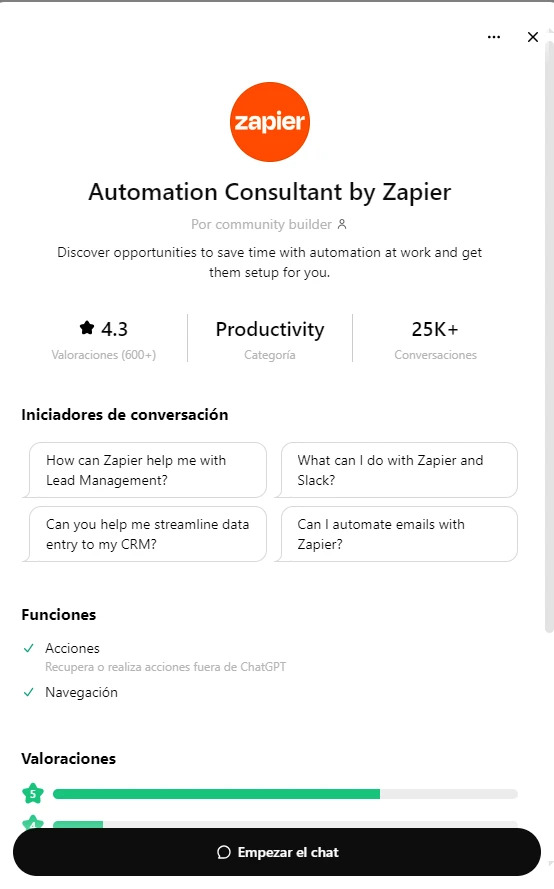
In this case, ChatGPT would act as a sort of assistant, so you can ask it to run an automation. For example, you can ask it to ensure that whenever a post is published on your blog, it is also published on X. The possibilities offered by Zapier are endless, as you can integrate any tool and set up automations.
Video Insights
Have you ever come across an interesting video on YouTube, but not had the time to extract or note down the key lessons? This ChatGPT plugin, Video Insights allows you to summarise and analyse the content of these videos.
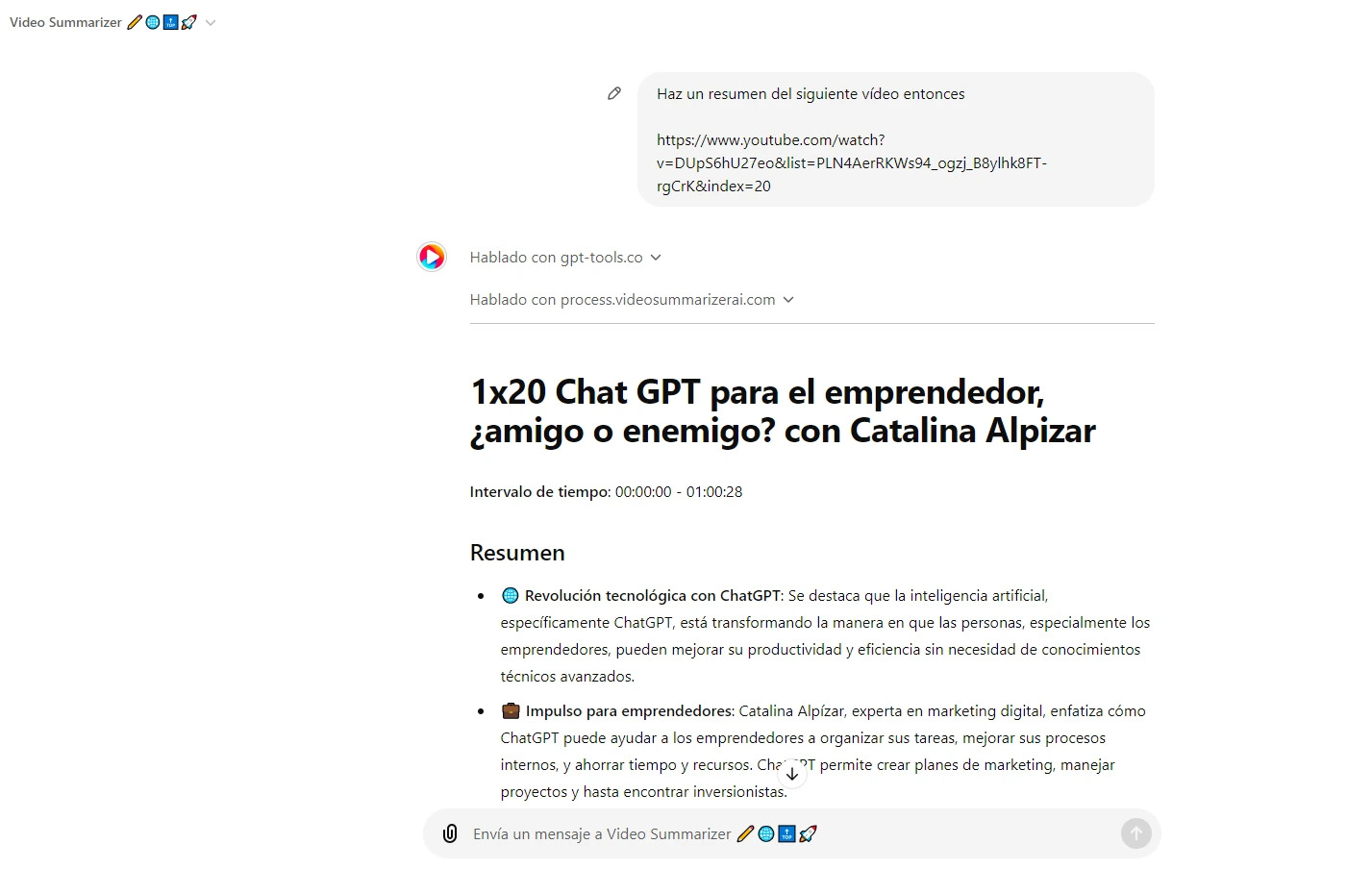
This ChatGPT extension is also very interesting for YouTube content creators. Why? Because they can ask artificial intelligence to analyse the reasons why a video is trending or why it managed to rank highly on YouTube. In this way, they can learn lessons to apply to their own channel.
To students and the general public, this ChatGPT plugin enables them to understand the information contained in one or more YouTube videos more quickly and effectively.
Webpilot
If there is one feature that has always been missing from ChatGPT, it is the ability to search for information online in real time. Against this backdrop, came WebPilot, which browses various websites to extract up-to-date information and present it in an organised manner.

Furthermore, WebPilot can also automate tasks web tasks that are repetitive, such as filling in forms or carrying out specific searches.
That said, can’t ChatGPT browse the internet? Until recently, this wasn’t possible, which is why WebPilot was developed to solve this problem. Even so, OpenAI’s paid version is the most comprehensive, though this plugin is still useful.
ShowMe
ShowMe focuses on the data visualisation and in the diagram creation in real time, giving ChatGPT a whole new set of capabilities. For example, you can ask it to create an outline of a specific URL.
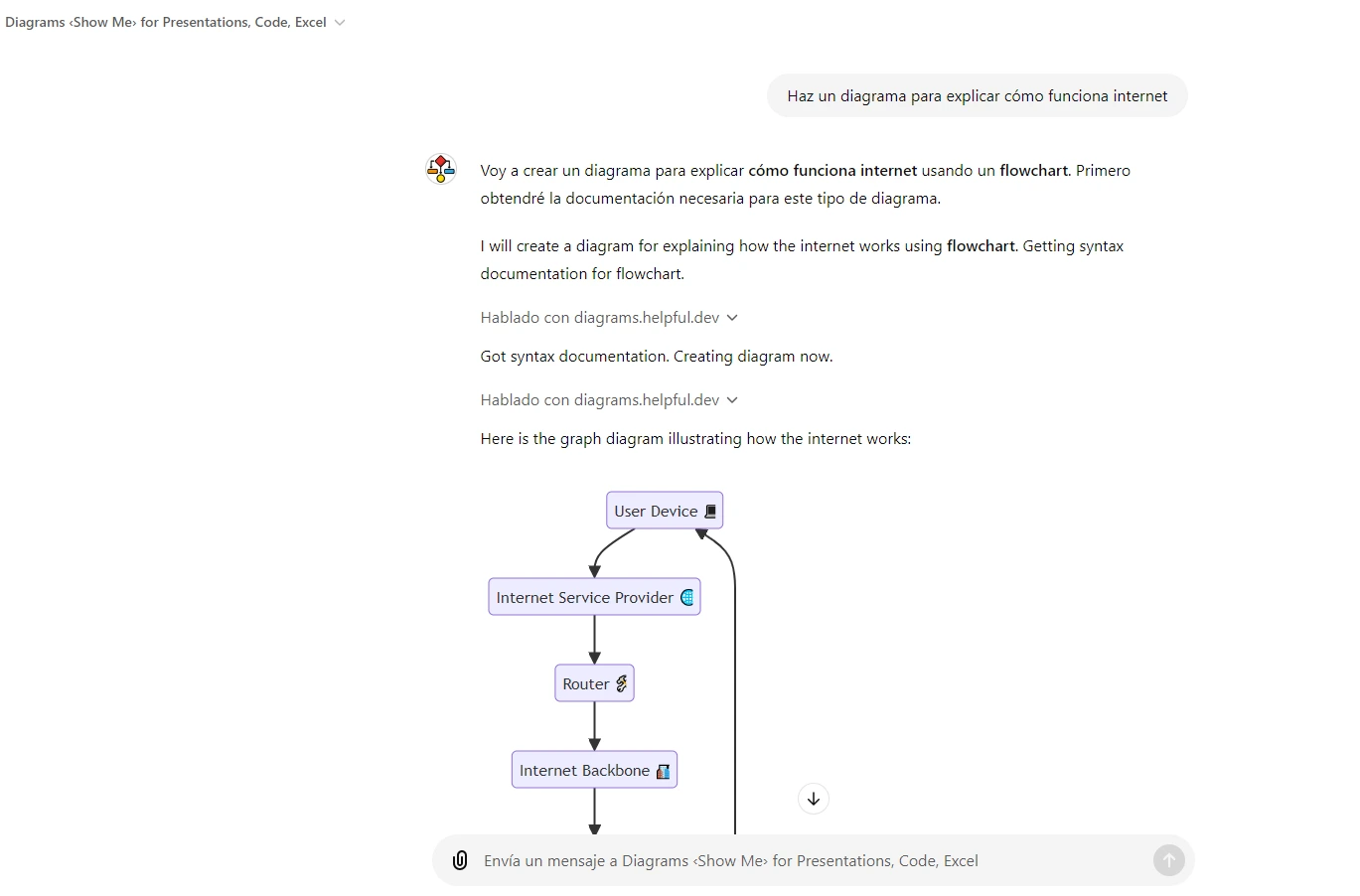
ShowMe becomes a ChatGPT plugin perfect for turning complex data into clear and easy-to-understand graphs. You can then use the diagram or chart to enhance your texts or the notes you use for studying.
There’s nothing quite like turning text into a visual element!
Questmate Forms
Questmate Forms It is a ChatGPT plugin designed to quickly generate online forms. With the right prompt, it will create a complete form that fully meets your needs.
Similarly, Questmate Forms is the perfect partner for marketing departments, as it enables them to automate tasks quickly and easily. They can then embed these forms on their websites and capture leads.
Speak
Speak It focuses on language learning and serves as an advanced tool for practise languages. In other words, it provides translations and examples of real-life conversation, making it a sort of teacher for those looking to improve their language skills.
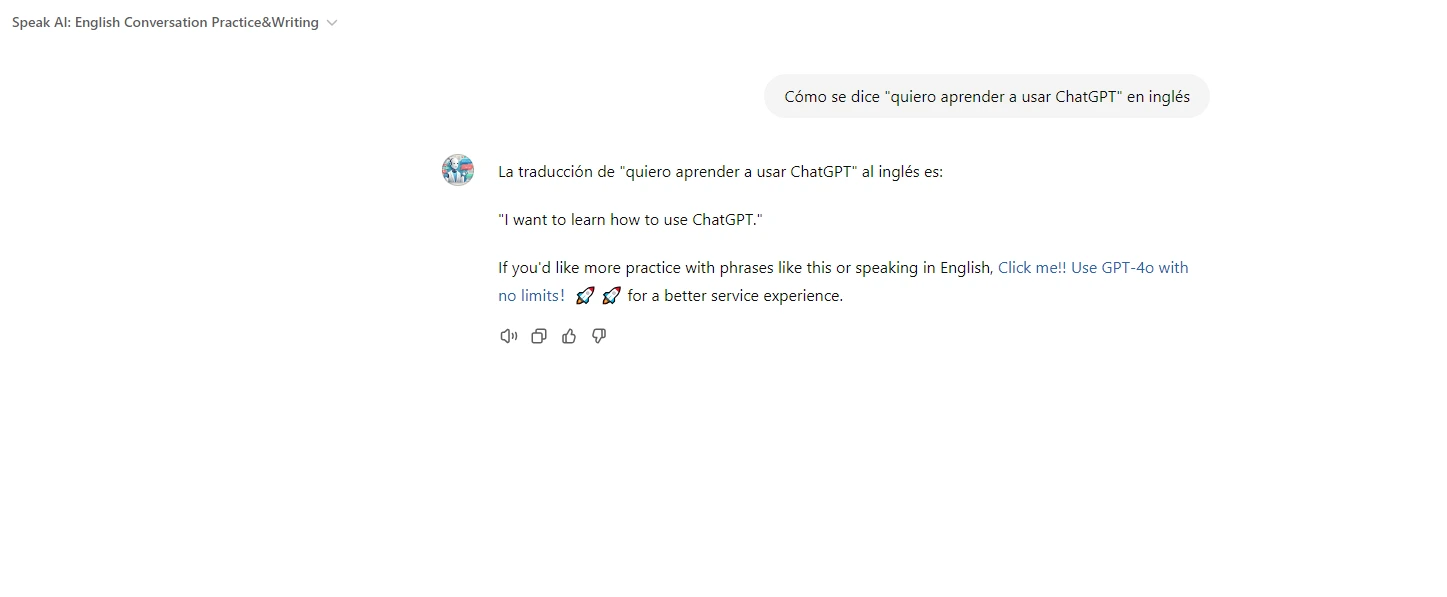
This ChatGPT plugin is also able to distinguish between formal and informal language, which provides a better context for its responses. Are you ready to learn languages with the help of artificial intelligence?
PromptPerfect
This ChatGPT extension provides you with improved versions of your prompts. Often, our commands or queries are not fully optimised, so the results we get may not be satisfactory.
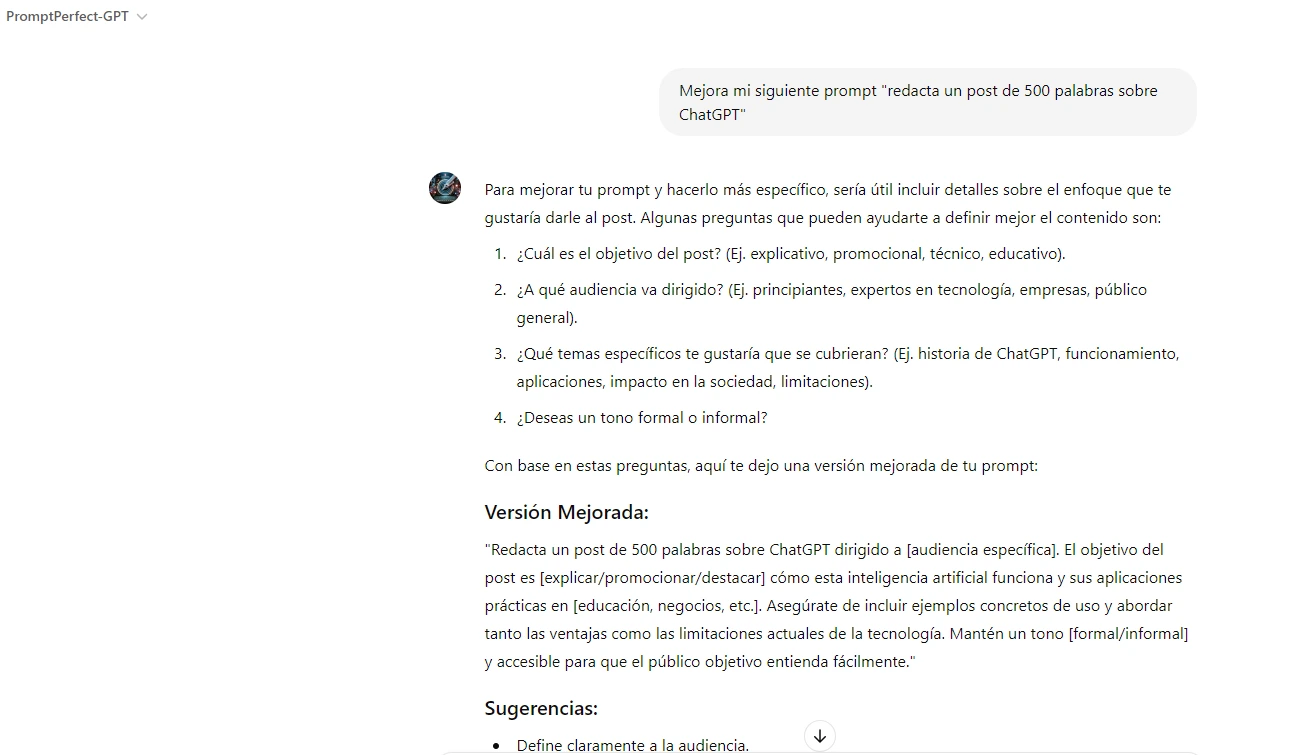
For this reason, the functionality of PromptPerfect is to improve the quality of our interactions with ChatGPT through better prompts. When you provide your prompt, it will return an improved version.
Are you interested in everything related to artificial intelligence? Here are two of our posts for you to continue exploring this topic!





 Español
 English (UK)